
Android Phone & Tablet
APK / Google Play
Anilab gives you instant access to 10,000+ anime series and movies in HD quality with English subtitles and dubbed audio — completely free, no account required.
Stream on Android, iPhone, Fire TV Stick, Android TV, Google TV, Smart TV and Windows PC. The best free Crunchyroll alternative in 2026.
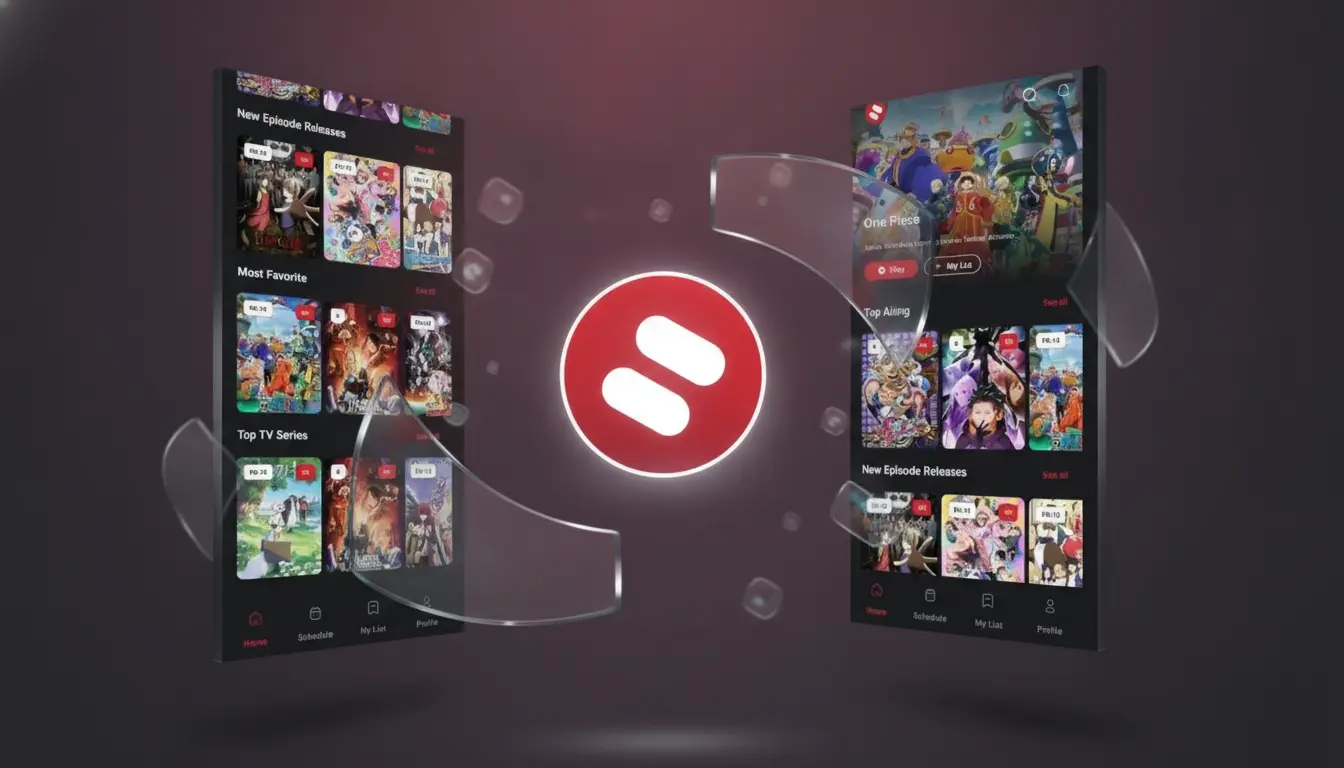
Anilab is a free anime streaming app that gives you access to a massive library of anime series, movies and OVAs in HD quality. No account, no subscription, no hidden fees — just open the app and start watching.
Whether you're watching on your phone during commute or on the big TV at home — Anilab delivers the same smooth anime streaming experience.
Anilab is built for anime fans who want a fast, clean and reliable way to watch anime without subscriptions or ads.
Advanced multi-source streaming ensures lag-free playback even on slower connections — no buffering interruptions.
Switch between Japanese sub and English dub on most titles. Multiple subtitle languages supported for global viewers.
The TV version is built for large screens with full remote control navigation — no touchscreen required.
Save anime to your watchlist, track which episode you're on, and resume right where you left off.
Download anime episodes and watch them offline — perfect for travel or areas with limited internet.
Find any anime by title, genre, year, studio or rating with powerful search and filtering tools.
Get personalized anime suggestions based on what you've liked, disliked and watched on the app.
Built-in airing calendar shows when new episodes drop each week — never miss a simulcast again.
Enjoy uninterrupted anime streaming with no mid-episode ads or pop-up interruptions.
Open the app and start watching instantly. No email, no password, no verification — zero friction.
From shonen battles to slice-of-life romance — Anilab's library covers every anime genre with thousands of titles per category.
A clean, fast interface designed to make browsing and watching anime effortless on any device size.
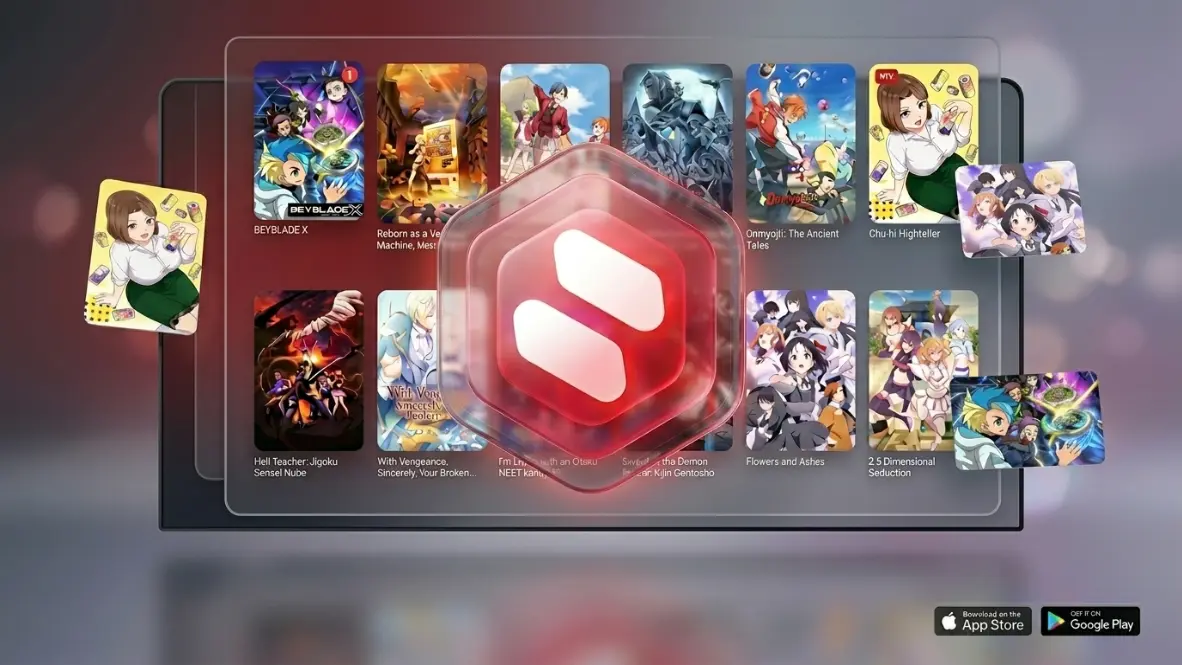
Get the right version for your device. All downloads are free — Android APK, TV APK, Google Play, App Store or PC.
Install Anilab directly from Google Play on your Android phone or tablet. Get automatic updates and the most stable version.
Get on Google PlayDownload Anilab TV - Anime & Manga from the Apple App Store. Free for all iPhone and iPad models running iOS 13+.
Get on App StoreDownload the official Anilab APK file directly. Works on all Android phones and tablets without Google Play. Always the latest version.
Download Android APKDedicated TV version optimized for large screens and remote control. Works on Android TV, Google TV, Fire TV Stick and Fire TV Cube.
Download TV APK
Open the Downloader app on your Fire TV or Android TV and enter code 4510702 to install Anilab automatically in seconds.
Watch anime on your Windows PC using the free BlueStacks Android emulator. Full HD quality, full keyboard and mouse support.
PC Installation GuideThe fastest way to get Anilab on your Smart TV — open the Downloader app, enter the short code and the app installs automatically. Works on all Fire TV, Android TV and Google TV devices.
Crunchyroll removed its free tier in January 2026. Anilab is the best free alternative — more content, zero subscription, all devices.
Since Crunchyroll ended its free plan on January 1, 2026, millions of anime fans are searching for a reliable free alternative. Anilab delivers the same HD streaming experience with no paywalls, no subscription required and no account needed.
| Feature | Anilab | Crunchyroll |
|---|---|---|
| Price | Free | Paid only (no free tier) |
| Account Required | No | Yes |
| Ads During Video | None | Removed free tier |
| Subtitles & Dubs | Yes | Yes |
| Fire TV / Smart TV | Yes | Paid |
| Offline Download | Yes | Paid only |
| Windows PC | Yes (Emulator) | Web + App |
No trial period, no credit card, no surprise charges. Anilab has always been free and plans to stay that way.
From Naruto, One Piece and Attack on Titan to the latest seasonal simulcasts — all free in HD quality.
Unlike Crunchyroll, Anilab lets you watch without creating an account, sharing your email or verifying anything.
Android, iOS, Fire TV, Android TV, Google TV and PC — one free app for all your screens.
Select your device below for a quick step-by-step installation guide.
Tap the "Download Android APK" button to download the official Anilab APK file to your phone.
Go to Settings → Security → enable "Install from Unknown Sources" or allow your browser to install APK files.
Open the downloaded Anilab APK from your notifications or file manager and tap Install.
Launch Anilab and start streaming 10,000+ anime titles in HD — no account, no subscription needed.
Open the Apple App Store on your iPhone or iPad.
Search for "Anilab" and find "Anilab TV - Anime & Manga" in the results.
Press "Get" to download and install Anilab on your iOS device for free.
Open Anilab and start streaming your favorite anime series and movies instantly.
Open the Google Play Store app from your Android TV or Google TV home screen.
Search "Anilab" and install the official app directly on your Smart TV.
If not in Play Store, install Downloader and enter code 4510702 to get the TV APK.
Launch Anilab from your TV app list and stream anime in HD with your remote.
Download Downloader by AFTVnews from the Amazon App Store on your Fire TV Stick.
Open Downloader, type 4510702 in the URL/code box and press Go.
Wait for the Anilab TV APK to download, then tap Install. Allow from unknown sources if prompted.
Open Anilab from your apps and enjoy unlimited free anime streaming on your Fire TV.
The reasons users keep coming back to Anilab over every other free anime streaming app.
No monthly fees, no credit card, no free trial tricks. Watch unlimited anime forever at zero cost.
Up to 1080p Full HD quality with adaptive bitrate — smooth playback on any connection speed.
Naruto, One Piece, Attack on Titan, Demon Slayer, Jujutsu Kaisen — every major series available free.
New episodes from the current anime season are added as soon as they air in Japan — true simulcast.
Phone, tablet, Smart TV, Fire TV, Android TV, Google TV and PC — your anime goes everywhere you do.
Multi-server infrastructure ensures instant playback with minimal buffering even during high-traffic hours.
Everything you need to know about the Anilab free anime streaming app.
Yes, Anilab is 100% free. There are no subscriptions, no hidden fees and no credit card required. You can watch unlimited anime in HD quality forever at zero cost.
No. Anilab does not require you to create an account, share your email or verify anything. Open the app and start watching immediately — zero sign-up friction.
Anilab works on Android phones and tablets, iPhone and iPad (iOS), Android TV, Google TV (Chromecast, Sony, TCL, etc.), Fire TV Stick and Fire TV Cube, and Windows PC via BlueStacks emulator.
Install the Downloader app from the Amazon App Store on your Fire TV Stick. Open it and enter code 4510702, press Go, wait for the Anilab APK to download, then tap Install. See our full Fire TV installation guide with step-by-step screenshots.
The official Anilab Downloader short code is 4510702. You can also type the URL aftv.news/4510702 directly into the Downloader app. See the full Downloader code guide for detailed steps.
Yes. Anilab offers both subbed (Japanese audio with subtitles) and English dubbed versions for most popular anime titles. You can switch between sub and dub directly inside the app.
Anilab provides access to over 10,000 anime titles spanning all genres — from classic shonen series like Naruto and One Piece to the latest 2026 seasonal releases, OVAs and movies.
Yes. Since Crunchyroll removed its free tier in January 2026, many anime fans switched to Anilab. It offers 10,000+ anime titles in HD with subtitles and dubs, no subscription, no account required and works on all the same devices.
Yes. Anilab supports offline downloads so you can save episodes and watch them without an internet connection — great for travel or limited data situations.
Anilab is designed to provide an ad-free or minimal-ad streaming experience during video playback, giving you uninterrupted anime watching unlike many other free anime apps.
The Android APK is optimized for touch-based phones and tablets. The TV APK is built for large screens with a remote-control-friendly layout — designed specifically for Android TV, Google TV and Fire TV.
Install BlueStacks (a free Android emulator) on your Windows 10 or 11 PC, then install Anilab from Google Play inside BlueStacks — or drag and drop the Android APK into BlueStacks to install directly. See our PC installation guide.